Exposure checks indicators of compromise and recovery guidance
By Beyond Cloud | October 22, 2026 | Cloud Security and AI Security
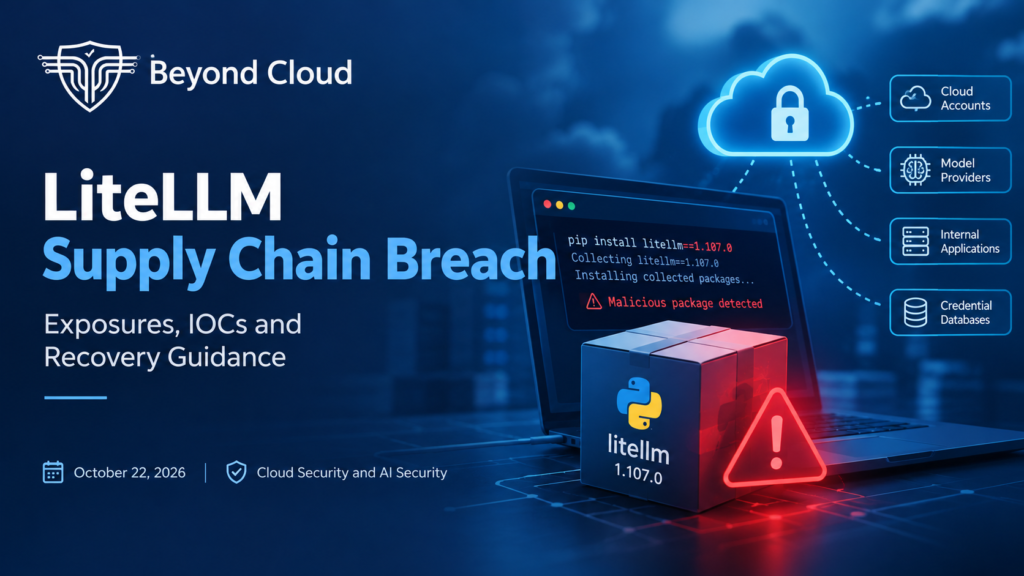
An AI gateway can hold the keys to cloud accounts, model providers, internal applications and credential databases. A compromised gateway dependency can therefore create an incident that reaches far beyond one application.
On October 21, attackers distributed a malicious LiteLLM release through official package and container channels. Version 1.107.0 contained credential-stealing malware and a component capable of loading additional code. LiteLLM says the affected artifacts were withdrawn and the incident contained, with investigation continuing. [1]
For cloud, engineering and security teams, the priorities are to identify affected installations, contain exposed workloads and replace credentials those workloads could access.
Affected releases and distribution windows
The maintainer reported the following affected artifacts. All times below are UTC on October 21, 2026. [1]
| Channel | Affected artifacts | Availability |
| PyPI | All seven wheels for litellm==1.107.0 | 11:39–13:23 |
| Docker Hub | v1.107.0, latest, main-latest, main-stable | 11:46–14:20 |
| GHCR | Affected LiteLLM tags and database and non-root variants | 11:46–13:51 |
LiteLLM recommended pinning to 1.106.2 during recovery and stated that its private enterprise registry was unaffected. That recommendation concerns this incident and is not a guarantee against unrelated vulnerabilities. [1]
Public removal does not end every organization’s exposure. A malicious wheel retained in a package cache or a compromised image copied into an internal registry could be installed or launched later.
How the malicious release reached users
Researchers linked the compromised build to Berri-AI/litellm, a lookalike of the legitimate BerriAI/litellm repository. Socket examined container build provenance and matched the startup payloads in the build source to those in a distributed PyPI wheel. Reviewing the official source tag alone would have missed the malicious packaging changes. [3]
LiteLLM reported that attackers used developer GitHub credentials to undermine release controls. Its explanation of how those credentials were initially exposed remained an investigative assessment rather than a fully established root cause. [1]
Why importing LiteLLM was not necessary
The malware used Python startup mechanisms. Files installed into site-packages could run when Python started, even if an application never imported LiteLLM. The key files were cook.pth, cook.py and sitecustomize.py
Wiz identified collection routines targeting cloud credentials, browser data, SSH keys, AI provider secrets and credentials stored in the LiteLLM proxy database. A separate loader targeted Linux and macOS. Its remote configuration appeared dormant at the time of the researchers’ analysis
Do not start Python, run pip or launch application checks inside a suspected environment merely to inspect or uninstall the package. Python startup can trigger the payload again. Inspect with trusted tools outside the affected environment and prioritize a clean rebuild. [1]
Stolen credentials have already been used
Wiz observed follow-on use of stolen AWS instance-role credentials roughly four and a half hours after exfiltration. Activity included identity validation, Amazon Bedrock model discovery and, in some environments, IAM enumeration. [2]
Removing the package cannot invalidate secrets already copied by an attacker. Recovery must include access revocation and credential replacement, supported by a review of cloud and application activity.
Where to check for exposure
Start with systems that installed LiteLLM, built applications containing it or ran its container images. Include developer machines, staging systems, production services and temporary build workloads. Use records and trusted filesystem tooling rather than executing the suspected Python environment.
The original download windows help prioritize investigation. They do not establish when cached or internally mirrored artifacts stopped being used.
Exposure investigation checklist
| Location | What to investigate |
| Dependencies and builds | Search lockfiles, SBOMs, installation logs, build artifacts, package caches and internal mirrors for litellm==1.107.0. |
| Python environments | Inspect virtual environments and system site-packages for litellm-1.107.0.dist-info and the payload files listed in the IOC tables. |
| Containers and registries | Review running and stopped containers, image caches, internal registries and deployment history. Resolve historical digests rather than relying on a tag’s current destination. |
| Kubernetes and CI/CD | Review pods, completed jobs, deployment revisions and runners. Include terminated workloads whose filesystems no longer exist. |
| Network telemetry | Search DNS, proxy, firewall and EDR records for the exfiltration domain and loader path. URL paths require HTTP-level visibility. |
| Cloud audit logs | Investigate unexpected GetCallerIdentity calls, Bedrock discovery and IAM enumeration, especially from unfamiliar infrastructure. |
| Credentials and AI accounts | Identify reachable provider keys, database credentials and workload identities. Review authentication activity, API usage and spending. |
Interpreting the evidence
A missing indicator does not establish that a system is clean. Temporary files may disappear, containers may be deleted and log retention may be limited. Correlate filesystem evidence with installation, execution, deployment and network records.
A generic filename such as sitecustomize.py can have legitimate uses. Validate the file’s contents, hash and installation context before attributing it to this incident.
Confirmed execution of an affected artifact should trigger incident response. Extend the investigation to every credential and service reachable from that environment, based on its actual permissions and network access.
Indicators of compromise
The following reported indicators support investigation. Network addresses are defanged to prevent accidental access. Historical attacker IPs are investigation leads rather than a complete inventory of attacker infrastructure. [1–3]
| Indicator | Reported value |
| Affected Python package | litellm==1.107.0 |
| Package metadata directory | litellm-1.107.0.dist-info |
| Startup payloads | cook.pth, cook.py and sitecustomize.py in site-packages |
| Compiled traces | Matching cook*.pyc and sitecustomize*.pyc files |
| Loader lock file | /tmp/remote_code_loader.lock |
| Collection marker | /tmp/.pc_once_72129118c59f5636c0bb |
| Exfiltration endpoint | hxxp://www[.]litellm[.]dev/healthcheck |
| Loader configuration | raw[.]githubusercontent[.]com/letters9813/pythonclient-test/main/domain.txt |
| Lookalike source repository | github[.]com/Berri-AI/litellm |
| Credential-abuse IPs | 168.100.8[.]57 and 165.227.201[.]8 |
Reported SHA256 values
| Artifact | SHA256 |
| Container image index | 1bbcb1443bc962e45f5aad53fe3d2c30600e0379715fb6c664cdd3ac126c339e |
| cook.pth | 7f191632e7320705d154b85204f1ae546b543acbd7e8861229b76f5042b92bdb |
| cook.py | 9dd0a3926f96a37eb86cf1ee2310d9be93139cc4ebef3ef9e2efe9531390be25 |
| sitecustomize.py | 34bef04fe88ac9d0aae0475630b1738681d15b94f233ac8aa46eacf5968305fa |
The container value is an image-index digest, not every affected variant or platform manifest. Match exact artifacts against the maintainer advisory. File hashes are reported indicators reproduced from the incident material; compare them with current source advisories during investigation.
A practical response plan
1 Establish the exposure boundary
Review dependency records, image digests, build history and execution evidence. Record which identities, credentials and databases each affected environment could reach.
2 Contain and preserve evidence
Isolate affected workloads and prevent further deployment of malicious artifacts. Preserve relevant filesystem evidence, registry metadata and logs before replacing systems. Use a clean environment for recovery administration.
3 Rebuild from trusted inputs
Create fresh environments using reviewed dependencies and verified images. Remove malicious artifacts from internal caches and distribution paths so automated builds cannot reintroduce them.
4 Revoke access and rotate secrets
From a clean administrative environment, revoke exposed sessions and rotate reachable secrets. Include cloud identities, provider API keys, database credentials, LiteLLM master and virtual keys, deployment tokens and developer authentication material. Follow provider procedures for temporary-session revocation.
5 Investigate activity after exposure
Review cloud audit trails, unusual AI usage, unexpected spending and access from unfamiliar infrastructure. Continue monitoring after replacement to identify persistence or additional compromised identities.
What this means for AI infrastructure
AI gateways concentrate access to multiple services. Dependency approval, release integrity and cloud identity controls therefore need to work together. Pin reviewed versions and image digests, verify build provenance, minimize workload permissions and keep release credentials out of logs.
Beyond Cloud recommends treating confirmed execution of an affected artifact as a compromise requiring containment, credential review and recovery. A dependency update alone does not complete the response.
Concerned about your AI infrastructure’s exposure? Contact Beyond Cloud to discuss your security priorities.
This article reflects public reporting available on October 22, 2026. Findings and recovery guidance may change as the investigation develops.
Sources and further reading
[1] LiteLLM — Official October 21 incident advisory